Give dispatch, finance, and drivers their own order view
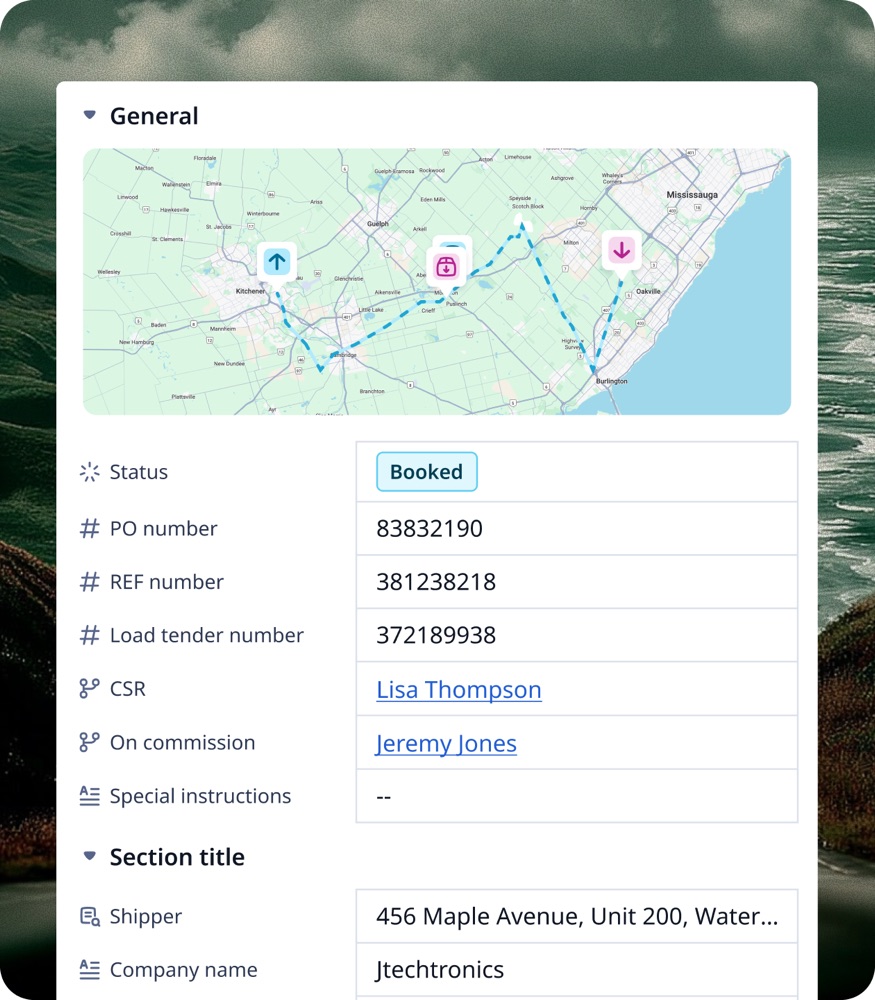
One order record, three jobs. Detail view permissions let each role open the order and see only the panels for their work. No duplicate objects or forms.
On this page3 sections
The situation
Dispatch wants the map, stops, and driver panels at the top. Finance wants rate, accessorials, and invoice status. Drivers should see the next stop and the documents, and nothing about margin.
The workflow
- Click Settings in the left nav, then Users, Roles, Groups. Choose the Roles tab and open the role, for example the dispatcher’s.
- Under Permissions, choose Order and scroll to the Data card. Each Order field has an Access Type: Edit, Read only or No Access. A No Access field leaves the record page and the board’s columns for that role.
- For dispatch: rate and margin fields to No Access. For finance: rate, accessorials and invoice fields to Edit, stop fields to Read only. For drivers: everything about money to No Access.
- Panels such as the map, the stops and the documents are widgets, set apart from fields: open the Widget Sequence Editor for Order, select each widget and tick the roles that may see it.
Read detail view permissions for the visibility rules and the permissions chain.
Extend it
The same three roles usually want different boards as well as different record pages, so pair this with a saved board view per role and the list and the record agree. Where a role should see a field but never change it, set it read-only rather than hiding it — a dispatcher who cannot see the rate cannot tell you the rate is wrong.