What is a formula field in Rose Rocket? A value nobody types
A formula field computes its value from other fields on the record each time it is read, so nobody types it, nobody can edit it and it is never stale.
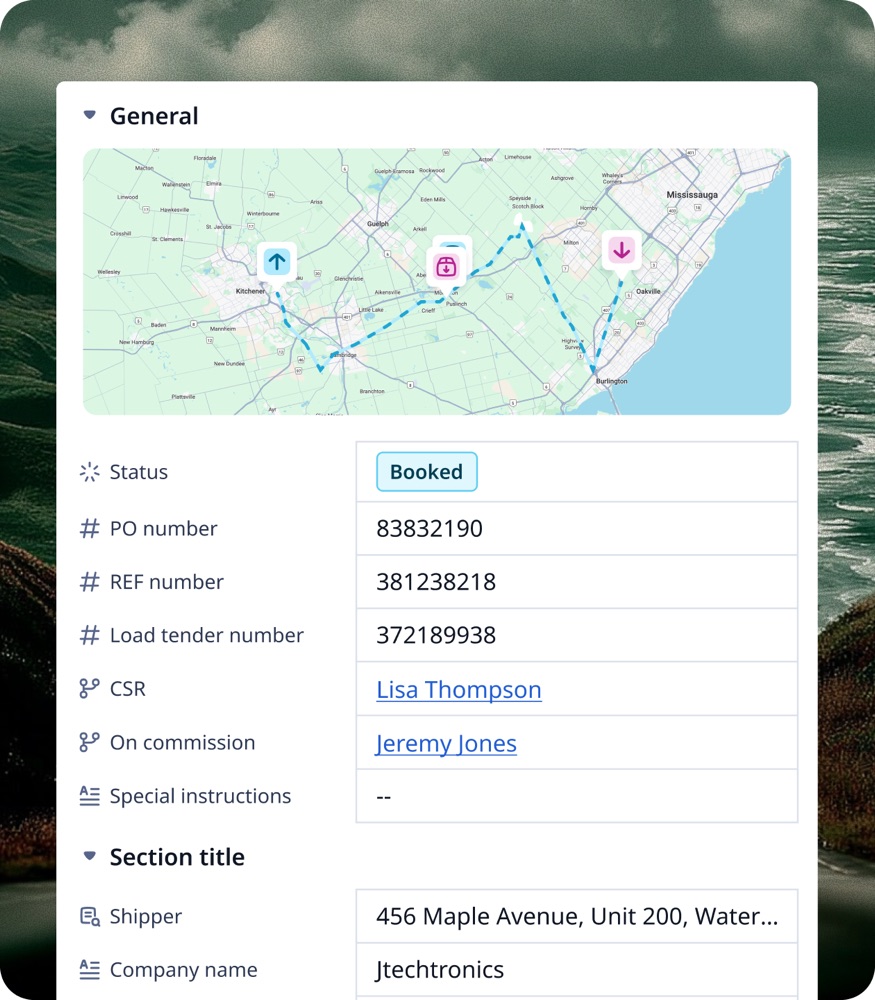
On this page3 sections
What it is
A formula field computes its value from other fields on the record every time it is read, so nobody types it and it is never stale.
Take an order, for example ORD-28. A builder can add a formula field to the Order object, for example a Total Rate formula that adds Line Haul Rate and Fuel Surcharge. On ORD-28 those fields read $320,000 and $48,000 USD, so the total would read $368,000 USD without anyone typing it. Nothing is stored: each time the record is opened, the formula runs again on the values it finds. The field is defined once in Object Builder like any other field, but on the record page it shows a result, not a box to fill.
How a formula is written
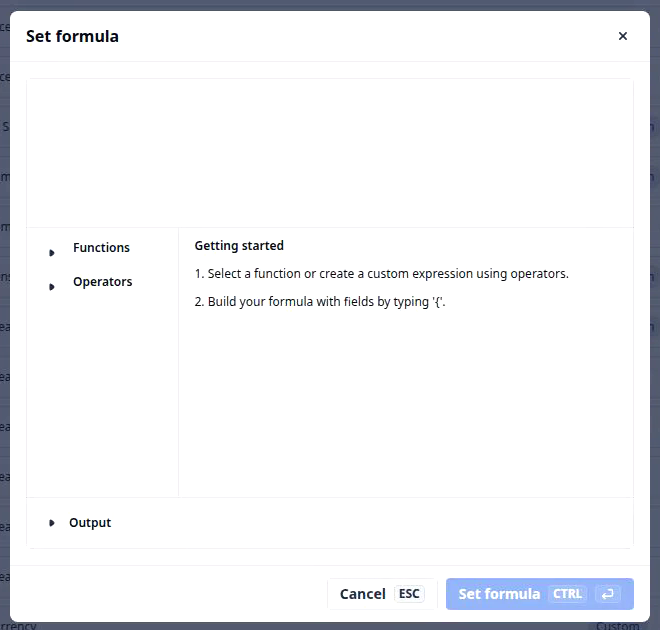
On the Create custom field form, pick Formula as the Field type and the form shows No formula added with a Set formula button. The button opens the Set formula dialog: an empty formula box with Functions, Operators and a Getting started guide. A formula names other fields in curly braces and combines them with operators and functions. The result has a type of its own: two money fields added together give a money result.
What a formula can do
If you have written a spreadsheet formula, you already know most of this. The Functions panel lists more; these are the ones most formulas use.
| Function | What it does | Excel analogy |
|---|---|---|
+ - * / and brackets |
Adds, subtracts, multiplies, divides; brackets set the order | =(A1+B1)*C1 |
sum |
Adds up the values you list | SUM |
count |
Counts how many values there are | COUNT |
average |
The average of the values | AVERAGE |
minimum / maximum |
The lowest or the highest value | MIN / MAX |
ceiling / floor |
Rounds up or down to a step you choose, such as 0.1 | CEILING / FLOOR |
concat |
Joins text and values, for example INV- and the order number | CONCATENATE |
dateDiff |
The time between two dates, in days, hours or minutes | DATEDIF |
if with areEqual |
Tests whether two values match and returns one result or the other | IF(A1=B1, …, …) |
toWeight / toLength / toVolume |
Shows a number with a unit, such as lb, ft or gal | a number format with a unit |
toMoney / convertCurrency |
Shows a number as money; converts CAD to USD at a rate you give | a currency format; =A1*rate |
Where a formula shows up
Once set, a formula field goes everywhere a typed field goes. On a board it is a column: filter on it, sort by it, group and chart it, for example a view of orders whose Total Rate is above $300,000. A workflow can read it in a condition. A document prints it, for example on a rate confirmation. The one thing nobody can do is edit it: the record page shows a result with no edit box, and a board cell will not open for typing. If the value looks wrong, the fix is in the inputs, never in the field itself.
Builders call this a derived field, and the formula that defines it an expression.
Where you meet it in Rose Rocket
- Object Builder › Create custom field › Field type Formula (for example, on the Order object) → No formula added and a Set formula button → the field exists, but computes nothing until a formula is set.
- Set formula dialog → an empty formula box, Functions, Operators and Getting started → where the formula is written; nothing is saved until you confirm.
- Board column (for example, on the Orders board) → filter, sort and chart it; cells refresh once their inputs are re-read → no cell can be edited.
Go deeper
- What a field is: the parent page, and every type a field can have
- What a record is: the record whose fields a formula reads
- What a board is: where a formula becomes a column
- Object Builder: where formula fields are made